
A Houston IT consultant's honest take on hardware patience, Apple Intelligence, the end of the Intel Mac era, and the tools behind trust-lionel.com.
Background music always plays when I am writing something that needs room to breathe. Right now it is Khruangbin’s NPR Tiny Desk Concert — three songs, eleven minutes and fourteen seconds. If I am in the home office, it plays through the Sonos Play:1. If I am somewhere else in the house, it routes to the Sony STR-DE685 receiver. The location changes. The music does not stop.
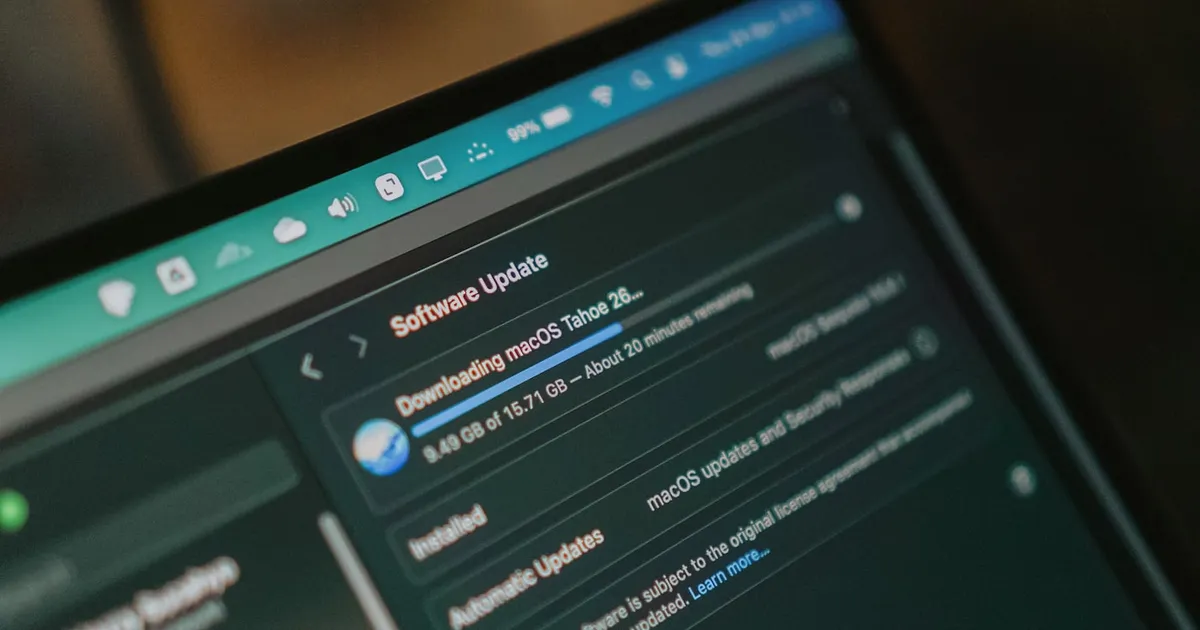
People notice the MacBook Pro. Not in a “that’s impressive” way — more of a “you know there are newer ones, right?” way. I have been using Macs since 2008. I know how Apple moves. That is exactly why I am still running a 2020 13-inch MacBook Pro with a 2.3 GHz Quad-Core Intel Core i7, 32 GB of RAM, and 1 TB of SSD storage in 2026.
This is not a budget decision. This is a timing decision.
The Apple Intelligence Problemh2
Apple has been promising Apple Intelligence for a few years now. What they have delivered so far has been incremental — useful in places, underwhelming in others, and nowhere near the capability they have been building toward. I have no doubt that when Apple Intelligence arrives in a meaningful form, it will be worth the wait. I also have no doubt that it will stress processor and memory in ways the current generation of machines was not optimized for.
I am not interested in buying hardware that delivers a partial Apple Intelligence experience and then plateaus. I want the full capability when it ships — not a footnote in a spec sheet that says “some features require a newer device.”
There is also a harder reality: macOS 27, which Apple is calling Golden Gate, requires Apple Silicon. My 2020 Intel MacBook Pro will not run it. Apple is drawing down the Intel Mac era, and it is doing so in exactly the way anyone who has watched a few Apple transition cycles would expect — quietly, incrementally, and then all at once.
So the question is not whether I am going to upgrade. The question is when — and on what terms.
What I Am Waiting Forh2
Right now, the 15-inch MacBook Air in Midnight with the M5 chip is sitting in my Apple cart. 10-core CPU, 10-core GPU, 16-core Neural Engine, 32 GB unified memory, 1 TB SSD, two Thunderbolt 4 ports, MagSafe 3, Wi-Fi 7, Bluetooth 6, support for up to two external displays. $2,199.
It is my favorite computer on the market. The MacBook Air has always been the machine Apple makes when they are not trying to impress you with specs — they are trying to disappear into your workflow. The M5 version does that and then some.
But here is the honest answer: I may not buy this exact configuration. By the time Apple Intelligence matures to the point where the Neural Engine is doing real, meaningful work — not demonstrations, not party tricks — Apple will likely have shipped something newer. That is the machine I am buying. Whatever Apple is shipping at the moment Apple Intelligence becomes what they promised it would be. The M5 MacBook Air is what I am watching today. It is the benchmark. The purchase happens when the software is ready, not before.
Patience is not indecision. It is knowing the difference between a product that is ready and a product that is announced.
The Current Setuph2
In the meantime, the 2020 MacBook Pro handles everything.
Display
The Samsung M7 Series 32-inch Business Monitor (S32AM702UN) sits at the center of the desk. One USB-C cable to the MacBook — 4K, built-in speakers, USB hub, and AirPlay all through a single connection. The desk stays clean.
Input
Magic Keyboard with USB-C — US English, no numeric keypad. On Windows I use a 10-key regularly. On the Mac I rarely reach for one, and the keyboard layout reflects that. The Magic Keyboard has aged better than almost any Apple peripheral. The key travel is right. The layout is right.
The Microsoft Surface Arc Mouse is the one piece of kit that raises eyebrows on a Mac setup. A Microsoft mouse, on a Mac, connected via Bluetooth. It collapses flat for travel, the BlueTrack tracking works on any surface, and the ambidextrous design means it works equally well in either hand. Unconventional choice. Zero regrets.
Audio
Spotify streams to a Sonos Play:1 via Spotify Connect when I am working in the home office. The Play:1 is compact, the sound is clear, and it has been running reliably for years. Sonos no longer sells it, but the support page is still active and so is the speaker.
Music is always playing. The output device changes based on where I am working. The music does not stop.
The Software Stackh2
Xcode 26.5 is the primary development environment. For .astro files, TypeScript, and occasional Swift work, Xcode handles everything I need — syntax highlighting, built-in Git integration, and a debugger that actually tells you what went wrong. I tried other editors along the way. One of them crippled a Windows 11 Business system and taught me a hard lesson about what “lightweight” actually costs you when something goes wrong. Xcode is deliberate. I appreciate deliberate.
Terminal is always open. PowerShell 7, pnpm, and git — everything runs from the command line. The trust-lionel.com development workflow is straightforward: write in Xcode, build with pnpm, preview in Terminal, commit and push with git. That cycle repeats until the work is done.
PowerShell 7 deserves its own paragraph. I am an IT consultant. PowerShell is how I talk to infrastructure. It runs cross-platform — Windows, macOS, Linux — and the Microsoft Graph PowerShell SDK means I can connect to a Microsoft 365 tenant from this MacBook, assess security posture across multiple domains, and generate a client-ready HTML report without touching a browser. 4TH AND BAILEY maintains a free set of Microsoft 365 PowerShell tools on GitHub — MFA status reports, inactive user detection, license optimization, mailbox statistics, and group membership audits, all built on Microsoft Graph API v1.0. They are production-tested, cross-platform, and free. You can find them here.
Claude is my AI tool of choice — and it is not close. I use it for brainstorming and research across both trust-lionel.com and 4TH AND BAILEY engagements. When I am working through a concept, stress-testing an argument, or researching a topic before writing, Claude is where I start. The quality of reasoning, the depth of context it holds across a long session, and the way it engages with technically complex material sets it apart from every other AI tool I have used. If you want to increase efficiency, improve performance and or processes and you are not using Claude, you are leaving capability on the table.
The tools above handle the creation. What follows handles the delivery.
The Platform Stackh2
trust-lionel.com runs on Astro 7 — a static site generator that compiles to zero JavaScript by default and deploys in under five seconds. The repository is public at github.com/trust-lionel/trust-lionel. Anyone who wants to see exactly how the site is built can read the source.
Netlify handles hosting and deploys automatically from the GitHub main branch. Bunny.net sits in front as the CDN. Umami, self-hosted on Railway, handles analytics — cookieless, GDPR-compliant, and not reporting back to Google. Pagefind powers search — static, WASM-powered, no external index.
The dependency list is short by design. Every tool on this list earned its place.
Why trust-lionel.com Existsh2
I could have started posting on LinkedIn. I could have gone to Medium or Substack. I chose not to — not because those platforms are bad, but because they come with constraints I am not willing to accept.
On LinkedIn, the algorithm decides who sees your content. On Medium, they own the SEO. On Substack, you are building their domain authority, not yours. Every post I publish on trust-lionel.com builds this domain. Every article, framework, and insight compounds here — permanently, on infrastructure I control, crawlable by anyone, searchable without a login.
This is not just a personal brand decision. It is an IT governance decision. Own your platform. Own your data. Own your stack.
The 2020 MacBook Pro is still the right tool for that work. For now.
Khruangbin’s Tiny Desk Concert is 11 minutes and 14 seconds. I have listened to it on repeat while writing this. They are a Houston band. This platform is built with ❤️ in Houston, TX. Some things align without trying.